

Reporting a bug
Bugs in the ethoscopes, the node, the modules or their software are reported as issues on GitHub, together with a bug-report file that the node makes in one click. The file records the state of the node and of every ethoscope it knows: software versions, running services, disk space, network and recent logs. These are the first things needed to understand a problem, and most of them cannot be reconstructed afterwards.
Problems with ethoscopy, the Python analysis package, go to the ethoscopy issues instead, and need no bug-report file.
Make the bug-report file
Section titled “Make the bug-report file”-
Open the node’s web interface in a browser (log in if the node asks) and click Management in the top bar.
-
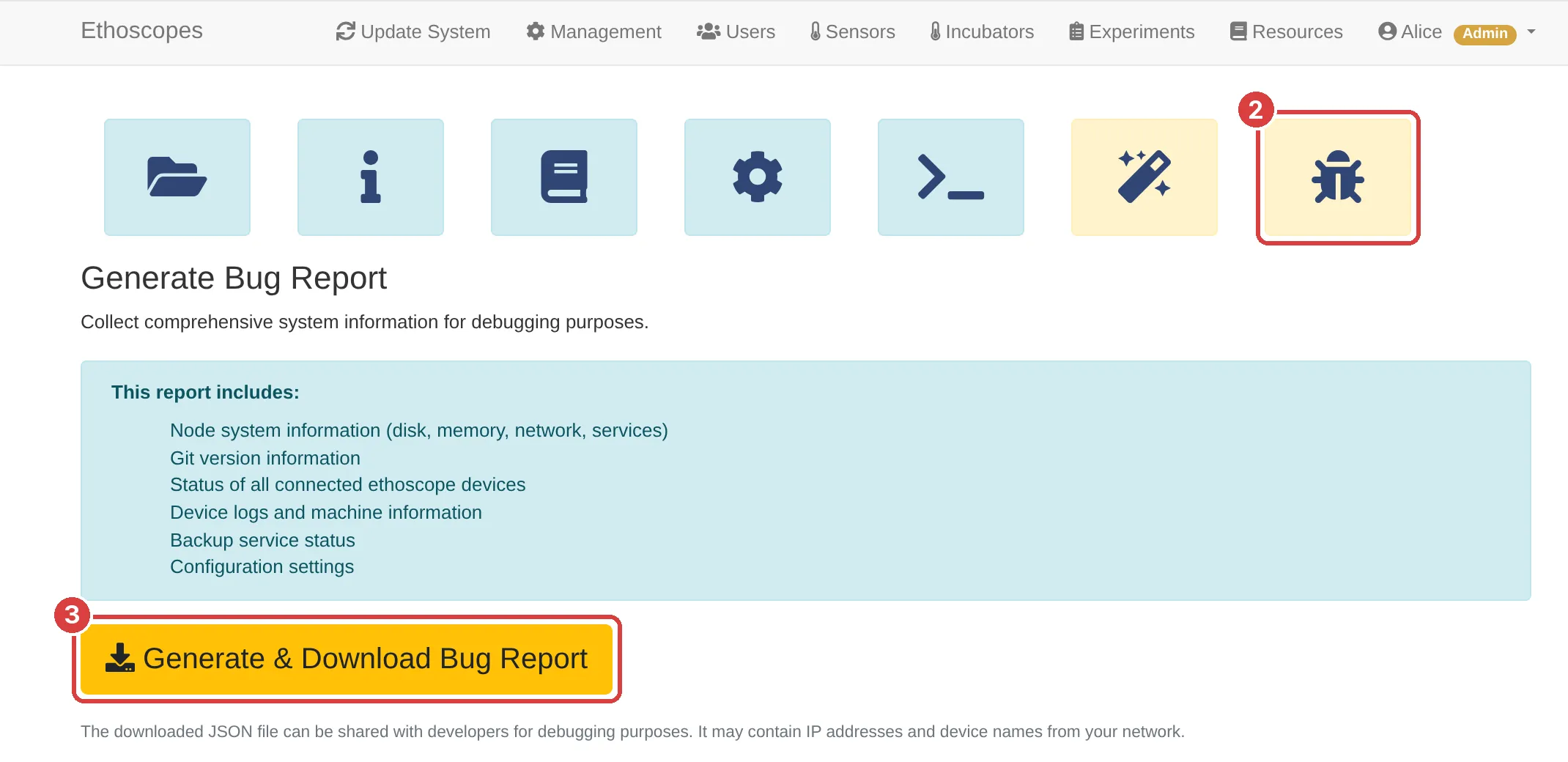
Click the bug icon, the last in the row of buttons. Its tooltip reads Generate Bug Report.

-
Click Generate & Download Bug Report. The node collects the state of every ethoscope it knows, which takes longer when there are many.
-
When Bug report downloaded successfully! appears, your browser has saved the file, usually in its downloads folder, with a name like
ethoscope-bugreport-2026-11-04T16-36-44-147Z.json.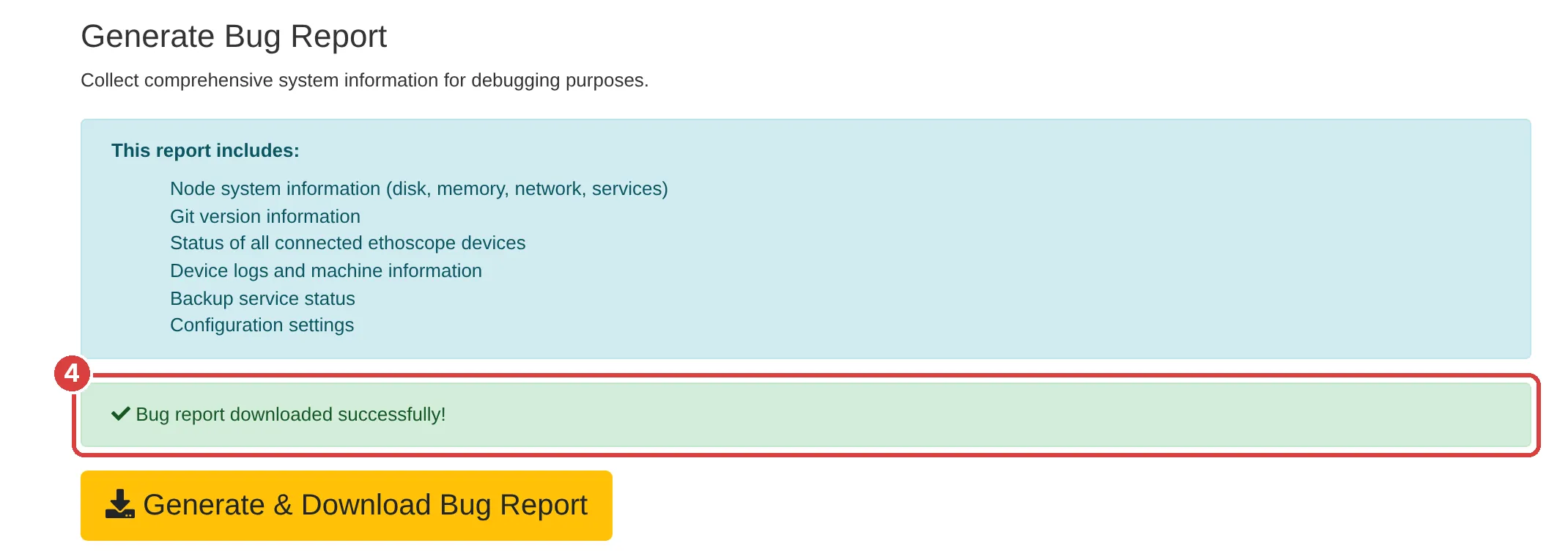
The bug icon is in the node software from release 2.1 onwards. If your node has no such button, update the node first.
What the file contains
Section titled “What the file contains”The file is plain text (JSON), and you can open it to see what it holds:
- the node’s operating system, uptime, free disk space and memory;
- the branch and version of the node software, and whether it has local changes;
- the state of the ethoscope services on the node, and the last 500 lines of the node’s log;
- every ethoscope the node knows, online or not, with its status; for those online, their machine information and, on recent versions of the node software, the last 500 lines of their log;
- the state of the backup services and the node’s folder settings.
It also contains the name of the node, the IP and MAC addresses of its network interfaces, and the names and addresses of your ethoscopes.
Report the problem
Section titled “Report the problem”Open a new issue on GitHub, choose Bug report, and drag the bug-report file into the form’s Bug-report file box. Describe what happened, what you expected to happen, and the steps that make it happen again. Search the open issues first: the problem may already be known.
GitHub issues are the preferred way to report a bug. If you have no GitHub account, or would rather not make your network’s addresses public, email your description and the bug-report file to [email protected] instead.
If the node’s web interface does not open
Section titled “If the node’s web interface does not open”Without its web interface the node cannot make the file. Report the problem anyway, say that the web interface does not open, and attach the node’s log instead. On the node, run
journalctl -u ethoscope_node -n 500 --no-pager > node-log.txtand attach node-log.txt to the issue, or to your email. Troubleshooting has further checks for a node or an ethoscope that does not respond.